AI Prompt for Web Design: Beyond Mockups to Workflow Magic
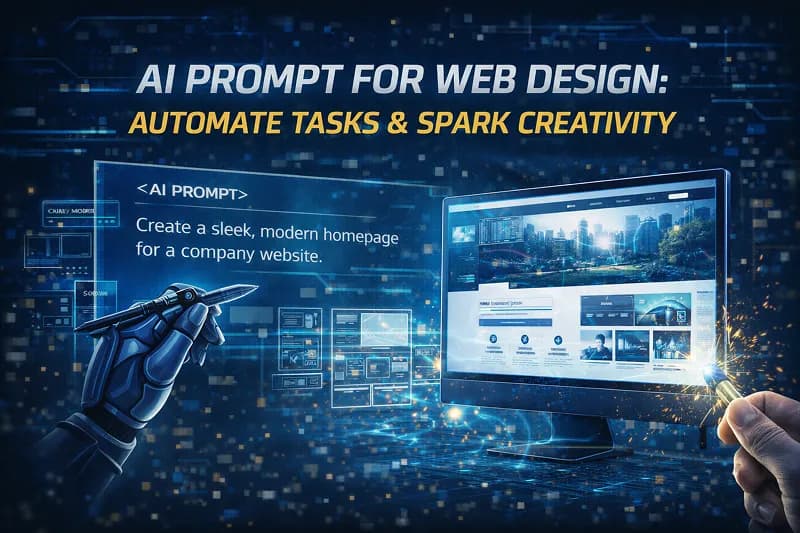
Stuck staring at a blank Figma canvas? Wrestling with the same boring hero section layouts? You're not alone. Here's the thing: an ai prompt for web design isn't just about generating pretty pictures. It's about breaking through creative blocks, automating the stuff that makes you want to quit, and revealing design possibilities you didn't even know existed.
Most designers think AI is just a fancy mockup generator. Wrong. The real magic happens when you use an ai prompt for web design to streamline specific workflows, spark unexpected ideas, and handle the repetitive tasks that eat up your creative energy. Let's dive into how smart prompting can transform your entire design process.
Ditch Design Block: AI Sparks Fresh Ideas
Creative block hits everyone. You know the feeling — you've been staring at the same layout for three hours, and everything looks like every other website you've ever seen.
This is where AI prompts become your creative partner, not just your tool.
The secret isn't asking AI to "design a website." That gets you generic garbage. Instead, try prompts that push boundaries: "Design a landing page that feels like walking through a museum exhibit" or "Create a hero section inspired by Japanese minimalism but with cyberpunk energy." Suddenly you're exploring concepts you'd never consider on your own.
Speed matters here. Traditional brainstorming takes hours. AI gives you 50 variations in five minutes. You can explore wild directions, cherry-pick the best elements, and iterate faster than ever. The goal isn't to use AI's output directly — it's to spark ideas that your brain wouldn't reach alone.
Want to unleash true creativity in your design process? Start with constraints. "Design a portfolio site using only circles and triangles" forces creative solutions that break you out of the same old grid layouts.
Crafting Killer Hero Sections with AI Prompt for Web Design
Your hero section has about three seconds to grab attention. No pressure, right? This is where chatgpt prompts for web design shine — they can generate backgrounds, layouts, and concepts that actually stop the scroll.
The trick is being specific about brand personality. Don't just ask for "a hero background." Try "a hero section background that feels like a luxury tech startup — clean but warm, professional but approachable." AI understands these detailed descriptions and delivers accordingly.
Brand consistency becomes effortless when you nail your prompt formula. Once you find language that captures your brand's vibe, you can iterate endlessly while maintaining that core aesthetic. Need seasonal variations? Holiday themes? Product launch backgrounds? Same prompt, different parameters.
The best part? You can generate dozens of options before your first client call. Show up with a range of directions, each perfectly aligned with their brand voice. That's how you look like a design wizard while actually working smarter, not harder.
Check out our guide on crafting website elements for more brand-focused prompt strategies.
Automate Tedious Tasks: Section Dividers & More
Let's be honest — creating section dividers, background patterns, and subtle UI elements is boring. It's necessary, but it's not where your creative energy should go. AI web design prompts can handle this stuff while you focus on the big picture.
Think about all those little design elements that take forever: custom dividers between sections, subtle background textures, decorative elements that add polish without overwhelming content. These are perfect AI tasks because they're repetitive but need to feel intentional.
The time savings add up fast. What used to take an hour of tweaking in Illustrator now takes five minutes of smart prompting. You get unique elements that fit your design system without the tedious execution work.
But here's where it gets interesting — AI often suggests approaches you wouldn't think of. Maybe a flowing organic divider instead of your usual geometric lines. Maybe a subtle texture that adds depth without competing with your content. These happy accidents often become signature elements of your design style.
Ready to explore more? Browse all prompts to see what other repetitive tasks you can automate.
Apple-esque Landing Pages: Code Generation with AI
Want to prototype landing pages that look like they came straight from Cupertino? AI prompts can generate complete page layouts with that signature Apple polish — clean typography, generous whitespace, and subtle animations that feel premium.
The magic isn't just in the visual output. Modern AI can generate the actual HTML, CSS, and JavaScript to bring these designs to life. You get functional prototypes, not just pretty pictures. Perfect for client presentations or rapid testing of design concepts.
This approach transforms how you handle client revisions too. Instead of rebuilding layouts from scratch, you can iterate on the prompt and generate new variations in minutes. Client wants more emphasis on the product features? Adjust the prompt parameters and regenerate. It's like having a junior developer who works at the speed of thought.
The best part? You're learning Apple's design patterns by studying the generated code. Each output teaches you something about spacing, typography hierarchy, or interaction design that you can apply to future projects.
Want to build more advanced workflows? Our guide on prompt engineering workflows shows you how to chain prompts for complex design systems.
Glassmorphism & Other Trendy UI Styles
Design trends move fast. Glassmorphism was everywhere, then neumorphism, now we're seeing more organic shapes and experimental typography. An ai prompt for expert web design helps you stay current without constantly reinventing your process.
The beauty of AI is that it understands current design language. Ask for "glassmorphism card designs" and you get proper frosted glass effects, subtle shadows, and that translucent layering that makes the style work. No need to spend hours studying tutorials — AI already knows the visual vocabulary.
But here's the smart move: use AI to understand trends, not just copy them. Generate examples in different styles, study what makes each approach effective, then apply those insights to your own design philosophy. You're building design intuition, not just following trends.
This is especially powerful for client work. When a client says "make it more modern," you can quickly generate examples in current styles to find what resonates with them. No more guessing games about what "modern" means to their specific audience.
Looking for ready-made trend-focused designs? Check out our Modern UX/UI Backgrounds bundle for curated contemporary styles.
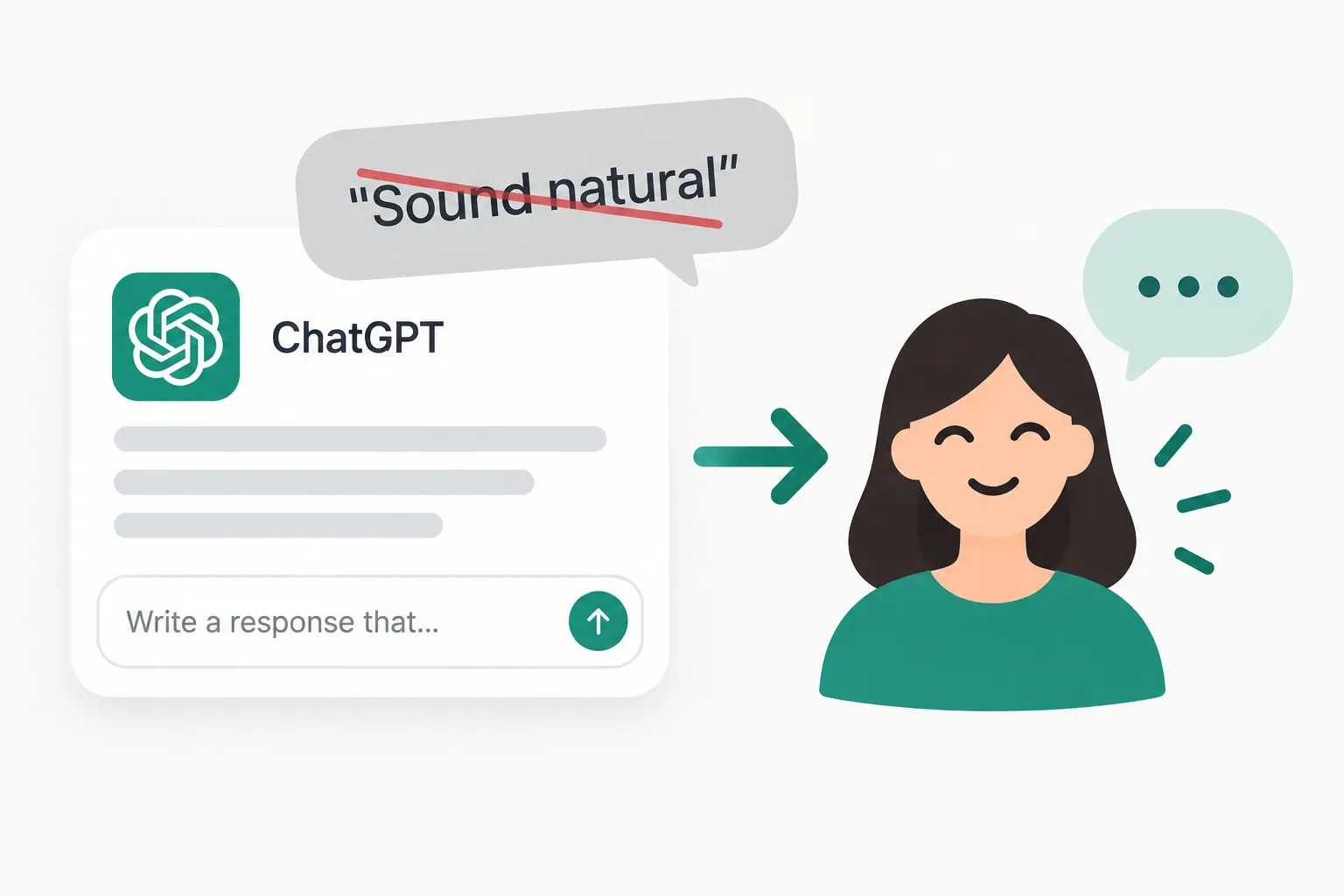
Humanize Your AI: Copywriting for Web Design
Here's where most designers get AI wrong — they think the output is the final product. But AI-generated copy usually sounds like a robot trying to sell insurance.
The real skill is knowing how to humanize that text into something people actually want to read.
Good web copy feels conversational, like you're talking to a friend who happens to know exactly what you need. AI gives you the structure and key points, but you need to add personality, remove the corporate speak, and make it sound like a real human wrote it.
This is where the balance between AI efficiency and human creativity really shines. Use AI to generate headlines, bullet points, and structural elements. Then rewrite everything in your brand's voice. You get the speed of AI with the authenticity people actually connect with.
The copywriting-design relationship works both ways too. Better copy leads to better design decisions. When your headlines are punchy and your value propositions are clear, the visual hierarchy practically designs itself. AI helps you iterate on both simultaneously.
Level Up Your Workflow: Prompt Organization
Once you start using AI prompts regularly, you'll face a new problem — prompt chaos. You'll have dozens of variations scattered across different tools, and finding the right one becomes its own time sink.
Smart prompt organization is like building your own design system, but for AI workflows. Group prompts by project type, client needs, or design style. Tag them with relevant keywords so you can find that perfect hero section prompt when you need it.
Your personal prompt library becomes your secret weapon. Save the prompts that consistently deliver great results. Organize them by category — hero sections, UI elements, copywriting, whatever matches your workflow. Build your own collection of go-to prompts that you can rely on.
The real power comes from iteration tracking. Keep notes on which prompts work best for different client types or project styles. Over time, you'll develop a personalized toolkit that's perfectly tuned to your design approach. Want to dive deeper into organization strategies? Our guide on organizing AI prompts covers advanced techniques for building efficient prompt libraries.
The Future of Web Design is AI-Assisted
We're not heading toward AI replacing designers. We're heading toward designers who use AI becoming unstoppable. The combination of human creativity and AI efficiency creates possibilities that neither can achieve alone.
Think about what this means for your career. While other designers are still manually creating every divider and background texture, you're focusing on strategy, user experience, and creative problem-solving. You're designing at the speed of thought because the tedious execution work is handled.
The designers who thrive in the next five years will be the ones who master this balance today. They'll use an ai prompt for web design not as a crutch, but as a creative accelerator. They'll automate the boring stuff and spend their energy on the work that actually matters — understanding users, solving problems, and creating experiences that connect.
Start experimenting now. Try different prompt styles, build your own library, and find the AI workflows that boost your natural design instincts. The future of web design isn't about choosing between human creativity and AI efficiency — it's about combining them into something more powerful than either could be alone.
Prompts in This Article
Try these prompts mentioned above — click to view full details.
Hero Section Background Generator for Landing Pages
Creates compelling hero section backgrounds with depth, movement, and visual hierarchy perfect for website landing pages and marketing campaigns.
Textured Web Section Divider Generator
Generates organic and geometric section dividers and transitions perfect for modern websites, creating visual separation between content areas with artistic flair.
Apple UI Style Landing Page Generator
Creates complete landing pages with Apple's signature design language including clean typography, subtle animations, and premium visual hierarchy using modern web technologies.
Trending Prompts
Comprehensive GTM Strategy Builder
Transform your product launch into a strategic success with this comprehensive go-to-market framework. This prompt generates detailed, actionable GTM strategies covering market analysis, positioning, pricing, distribution, and launch execution plans tailored to your specific product and market conditions.
LinkedIn Engagement Post Generator
Creates compelling LinkedIn posts optimized for audience engagement, profile growth, and professional networking. This prompt generates posts that encourage meaningful interactions through questions, insights, and valuable content while maintaining a professional yet personable tone.
Fashion Editorial Photography Prompt
Creates hyperrealistic editorial fashion photographs with authentic skin texture, premium fabric details, and cinematic lighting. Perfect for high-end fashion shoots and editorial styling.
Ready to level up your prompts?
Explore 403+ image-generation prompts for ChatGPT, Claude, Midjourney, and more on PromptCreek.