AI Image Prompts: Think Like an Artist, Not a Writer
You've probably typed something like "a beautiful sunset over mountains" into an AI image generator and gotten... well, something that looks like every other sunset photo on the internet. Here's the thing: ai image prompts aren't about describing what you see in your head. They're about thinking like a photographer, painter, or designer who knows exactly how to guide the AI's creative process.
The difference between amateur and professional results isn't luck or magic prompts. It's understanding that you're not writing a story — you're directing a visual experience.
Once you shift from descriptive writing to visual direction, everything changes.
AI image prompts: Stop Describing, Start Directing: The Visual Mindset
Think of AI image generation like directing a movie. You wouldn't tell a cinematographer "make it look nice." You'd say "use Rembrandt lighting with a 50mm lens, shallow depth of field, warm color temperature." That specificity is what separates snapshots from art.
The visual mindset means thinking in layers: composition (how elements are arranged), lighting (mood and atmosphere), style (artistic approach), and technical execution. Instead of "a person in a forest," you might prompt "medium shot portrait, rule of thirds composition, dappled sunlight through canopy, Kodak Portra 400 film aesthetic."
Visual keywords are your secret weapon. These aren't just descriptive words — they're terms that trigger specific visual responses in AI models. "Chiaroscuro" doesn't just mean light and dark; it tells the AI to create dramatic contrast with deep shadows and bright highlights. "Bokeh" doesn't just blur the background; it creates that creamy, professional lens quality.
Understanding basic photography concepts is like having a cheat code. When you mention "f/1.4 aperture," the AI knows to create shallow depth of field. "Golden hour lighting" triggers warm, directional light. "Dutch angle" tilts the composition for energetic tension. You don't need to be a photographer, but knowing these terms gives you precise control over the visual outcome.
Mastering the Art of Visual Keywords
Okay so visual keywords fall into distinct categories, each controlling different aspects of your image. Lighting keywords like "soft diffused light," "dramatic side lighting," or "rim lighting" shape mood and atmosphere. Composition terms such as "leading lines," "symmetrical framing," or "negative space" guide how elements are arranged.
Style keywords are where things get interesting. That's why ai image prompts matters here. "Hyperrealistic" creates photographic quality. "Impressionistic brushstrokes" adds painterly texture. "Minimalist composition" strips away clutter. "Cyberpunk aesthetic" injects neon and urban grit.
Each style keyword carries visual DNA that transforms your entire image.
Emotional keywords work differently than you'd expect. Instead of "happy person," try "genuine laugh lines" or "eyes crinkled with joy." Rather than "scary," use "tension in shoulders" or "shadow obscuring half the face." These specific emotional cues create authentic expressions that don't look like stock photos.
Combining keywords is an art. Start with your main subject, add a lighting condition, specify a style, then layer in compositional elements. "Portrait of elderly craftsman, warm workshop lighting, documentary photography style, shallow depth of field, hands in foreground." Each keyword builds on the others like instruments in an orchestra.
Negative prompts are equally powerful — think of them as a bouncer at a club, keeping the stuff you don't want out of your image. Use them to eliminate common AI artifacts: "no blurry hands, no extra limbs, no oversaturated colors." For more advanced techniques, check out our guide to prompt engineering best practices that covers systematic approaches to prompt construction.
Beyond Realism: Exploring Artistic Styles
Here's where AI image generation gets really fun. You're not limited to realistic photos. You can channel any artistic movement, combine styles that never existed together, or create entirely new visual languages. (Honestly, this is where most people stop thinking too small.)
Classic movements offer rich visual vocabularies. "Art Nouveau" brings flowing organic lines and decorative elements. "Bauhaus" creates geometric minimalism with bold colors. "Surrealism" bends reality in dreamlike ways. "Abstract Expressionism" focuses on color and gesture over representation.
Contemporary styles work beautifully too. "Vaporwave aesthetic" adds retro-futuristic pastels and geometric shapes. "Dark academia" creates moody, scholarly atmospheres. "Cottagecore" brings soft, rustic charm. "Brutalist" architecture style translates into stark, concrete-heavy compositions.
The key is understanding what makes each style distinctive. Research the characteristics: color palettes, brush techniques, subject matter, composition preferences. Then translate those elements into prompt language. Don't just say "impressionist" — specify "loose brushstrokes, broken color technique, outdoor lighting, visible canvas texture."
Mixing styles creates unique results that make people stop scrolling. This applies directly to ai image prompts. "Cyberpunk meets Renaissance painting" or "Japanese woodblock print in neon colors" produces images that feel both familiar and completely original. If you're interested in specific style applications, our guide to creating studio-quality anime characters shows how to master one particular aesthetic in depth.
Lighting is Everything: Setting the Mood
Lighting doesn't just brighten your subject; it creates the entire emotional foundation of your image. The same portrait can feel romantic, mysterious, or dramatic depending entirely on how light hits the face. Most people completely ignore this and wonder why their ai art prompts produce flat, boring results.
Rembrandt lighting creates that classic triangle of light on the shadow side of the face. Chiaroscuro uses dramatic contrast between light and dark. Soft diffused light wraps around subjects gently, perfect for beauty shots.
Hard light creates sharp shadows and dramatic definition.
Directional lighting tells stories. Side lighting reveals texture and dimension. Backlighting creates silhouettes and rim lighting effects. Top lighting can feel harsh or divine, depending on intensity. Window light suggests intimacy and natural beauty.
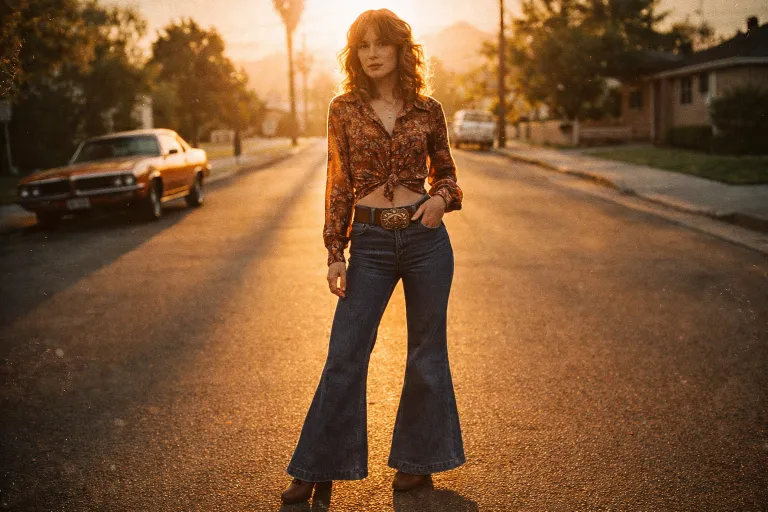
Color temperature matters enormously. "Golden hour warm light" creates nostalgia and romance. "Cool blue moonlight" feels mysterious or melancholic. "Harsh fluorescent lighting" adds urban grittiness or clinical coldness. "Candlelight" brings warmth and intimacy. (Fun fact: the AI actually understands the emotional weight of different light colors better than most photographers.)
Try combining lighting with other elements for complex moods: "Venetian window light filtering through sheer curtains, creating soft dappled patterns on weathered wood table" doesn't just describe light — it creates an entire atmosphere that the AI can interpret and render beautifully.
Compositional Secrets: Guiding the Viewer's Eye
Composition is the invisible framework that makes images feel balanced, energetic, or intentionally chaotic. Understanding these principles lets you control exactly where the viewer looks and how they feel about what they're seeing. And honestly, this is where most ai photo prompts fall apart — people focus on the subject but ignore how it sits in the frame.
The rule of thirds is your starting point, not your destination. The same goes for ai image prompts. Placing subjects at intersection points creates natural balance, but breaking the rule intentionally can create tension or emphasis. "Central composition" feels formal and stable. "Extreme off-center placement" creates movement and energy.

Leading lines draw the eye through your image like a roadmap. "Diagonal staircase leading to subject in upper right" or "curved river guiding toward distant mountains" creates visual flow. Symmetry feels calm and ordered. Asymmetry adds vigor and visual interest.
Depth creates dimensionality. "Foreground flowers, middle ground subject, background mountains" establishes layers. "Shallow depth of field isolating subject" eliminates distractions. "Deep focus showing environmental context" tells broader stories.
Framing devices add sophistication without being pretentious. "Shot through doorway" or "reflected in window" creates natural borders. "Architectural elements framing the scene" adds context and visual interest. These compositional choices guide the AI toward more thoughtful, intentional arrangements. To systematically organize and refine these compositional approaches, our thorough prompt organization guide shows you how to build a personal system for managing your best compositional prompts.
Prompt Refinement: Iterating Towards Perfection
The first prompt rarely gives you exactly what you want. That's not failure — that's the process. Professional artists iterate, and so should you. Each generation teaches you something about how the AI interprets your visual language.
Look, analyzing your results systematically is where the magic happens. Is the lighting wrong? Adjust your lighting keywords or add more specific directional terms. Are hands weird? (They're always weird.) Add negative prompts targeting common hand problems. Is the composition cluttered? Simplify your subject description or add "minimalist composition" to your style keywords.
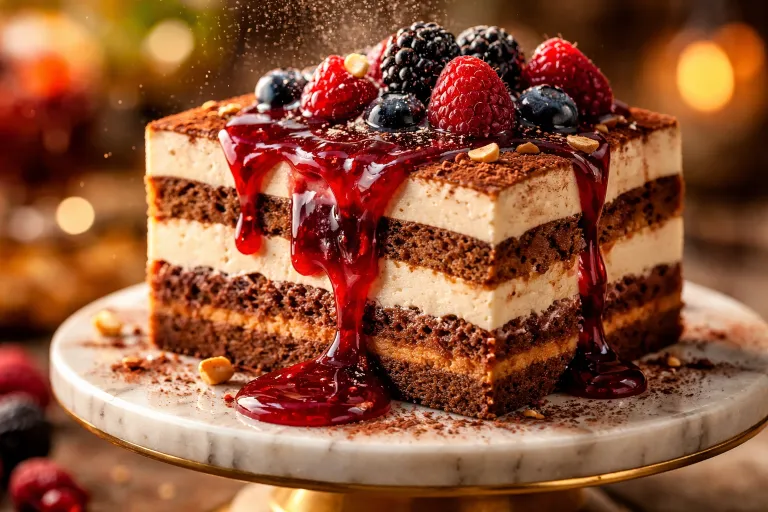
Color problems need specific fixes. "Oversaturated" might need "muted color palette" or "desaturated tones." "Too dark" could benefit from "bright natural lighting" or "high key photography." "Wrong color temperature" responds to specific lighting color terms like "daylight balanced" or "tungsten warmth."
Keep notes on what works. When you discover a combination that produces great results, save it. Build your own vocabulary of successful visual keywords and combinations. The AI models are consistent — if something works once, it'll work again in similar contexts.
Prompts in This Article
Try these prompts mentioned above — click to view full details.
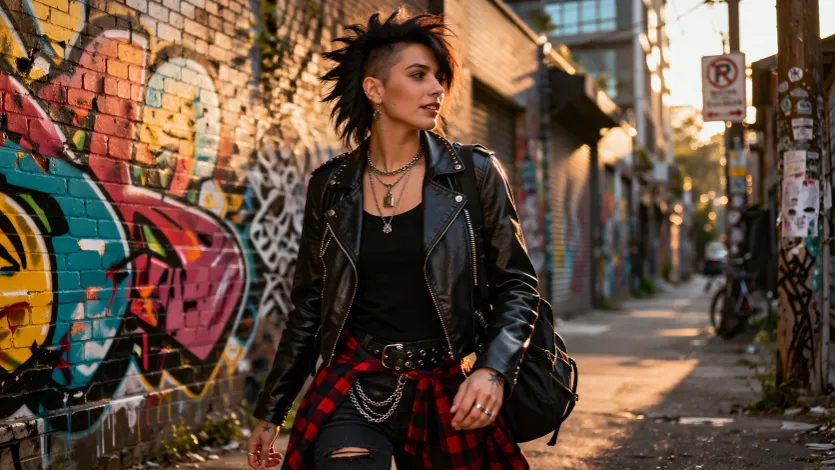
Street Fashion Photography with Urban Atmosphere
Captures authentic street fashion photography in urban environments, showcasing personal style against city backdrops with natural lighting and documentary aesthetics.
Mixed Media Art Prompt Generator with Texture Exploration
Generates experimental mixed media art prompts that combine traditional and unconventional materials to create textural compositions with conceptual depth.
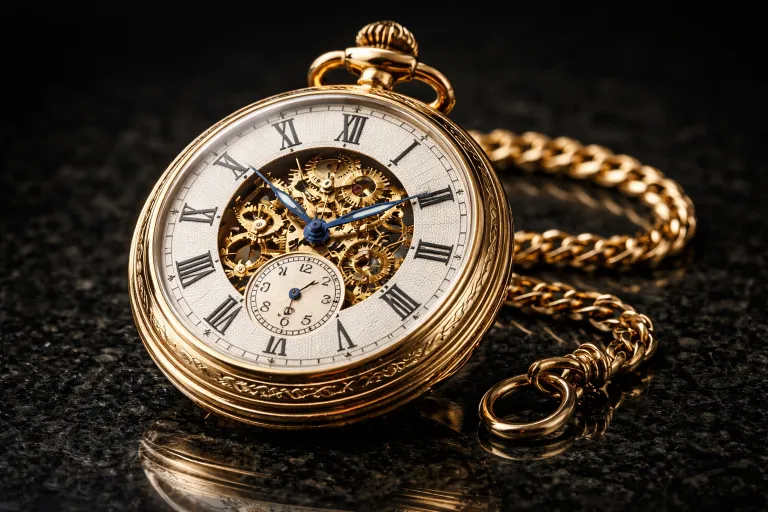
Luxury Watch Macro Photography with Precision Detail
Creates ultra-detailed macro photography of luxury timepieces, showcasing intricate mechanisms, material craftsmanship, and precision engineering with professional lighting.
Trending Prompts
Comprehensive GTM Strategy Builder
Transform your product launch into a strategic success with this comprehensive go-to-market framework. This prompt generates detailed, actionable GTM strategies covering market analysis, positioning, pricing, distribution, and launch execution plans tailored to your specific product and market conditions.
Fashion Editorial Photography Prompt
Creates hyperrealistic editorial fashion photographs with authentic skin texture, premium fabric details, and cinematic lighting. Perfect for high-end fashion shoots and editorial styling.
LinkedIn Engagement Post Generator
Creates compelling LinkedIn posts optimized for audience engagement, profile growth, and professional networking. This prompt generates posts that encourage meaningful interactions through questions, insights, and valuable content while maintaining a professional yet personable tone.
Ready to level up your prompts?
Explore 401+ image-generation prompts for ChatGPT, Claude, Midjourney, and more on PromptCreek.