Product Mockup Prompts for Midjourney, From Concept to Your Product
Most lists of product mockup prompts for Midjourney make the same quiet promise: paste this, get a gorgeous bottle. And you do get one. It just isn't your bottle.
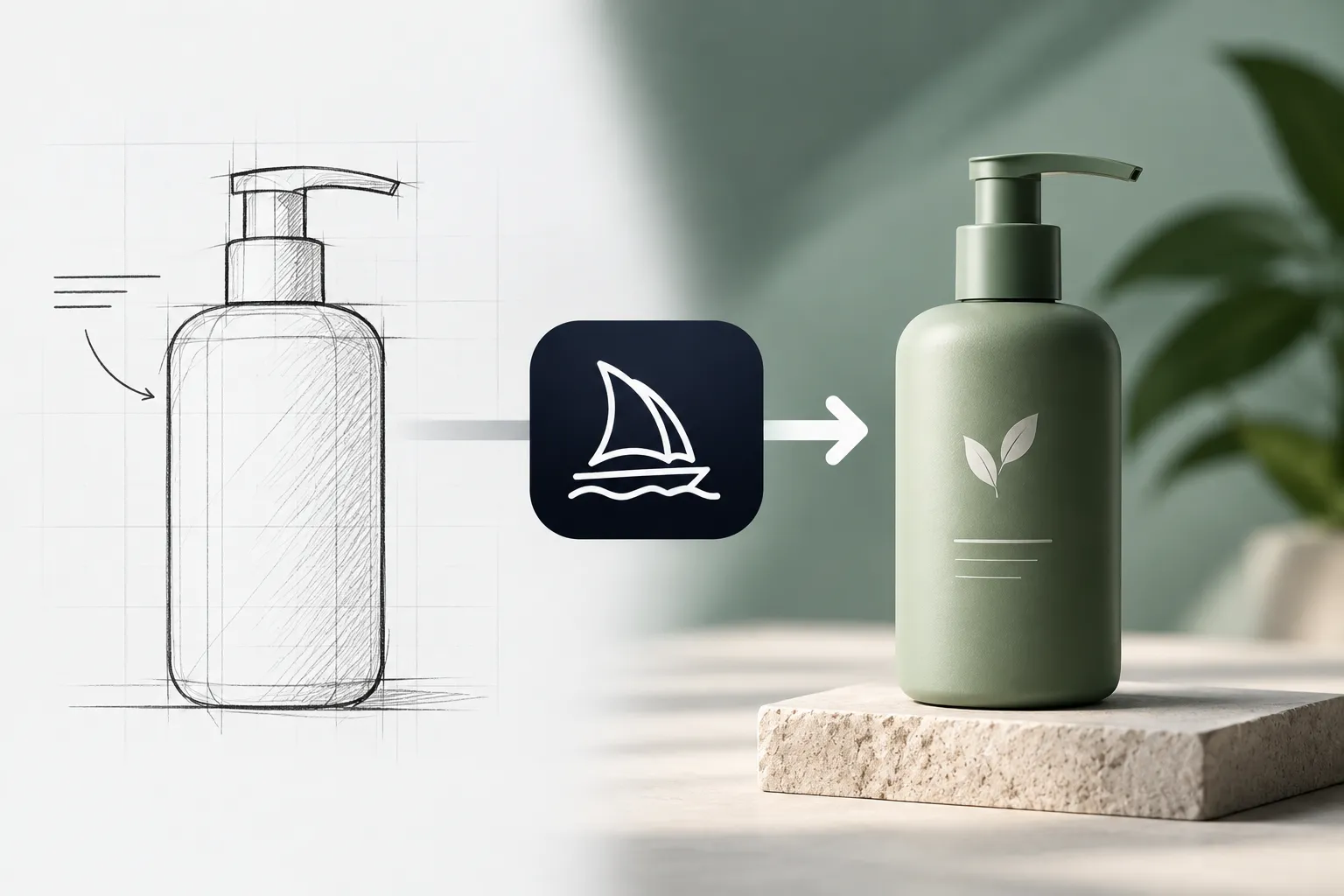
A text prompt can only invent a product that looks like the one you sell. That's perfect for finding an art direction and no use at all for a listing photo. So this post splits the job in two: four prompts with swappable settings to find the look, then Midjourney's V8.2 Edit Model to put the real product into it.
What are some good prompts for creating mockups?
Good mockup prompts name five things in plain words: the product, what it's made of, the camera angle, what it's sitting on, and the light. They end with Midjourney parameters for shape and style, like --ar and --s. The best ones also make each choice swappable, so a single prompt covers every colorway you sell.
That last part is where most Midjourney mockup prompts fall down. A fixed prompt describes one sneaker in one material on one background. Want the same shoe in off-white leather? You're back to editing a wall of text and hoping you changed the right adjective.
Look at how it's built. The shot is locked: a floating three-quarter view, studio light from above, sharp highlights tracing the edges. That's the packshot, the clean hero image that leads a listing. What moves is the stuff a real product line varies. upper-material swaps knit for leather or color-blocked suede, sole-style changes the silhouette, and background sets the gradient behind it.
Change one at a time. Swap material and background together, get something that looks off, and you won't know which change caused it. Boring advice. It saves a lot of rerolls.
Here's the catch, though, and it's the reason for the rest of this post. However carefully you describe your sneaker, Midjourney is drawing a new one. The panel lines, the logo placement, the exact curve of the heel all come out invented. Great for a pitch deck or a moodboard. For a product page, it's a photo of something you don't sell.
Read the parameters before you paste
Every prompt in this post ends with a short tail like --ar 1:1 --v 7 --s 200. Most people paste straight past it. Don't, because each flag is a decision somebody already made for you.
Midjourney is strict about that tail. Parameters go at the very end, after the description, with a space before the dashes. No punctuation inside them, either: the official docs show a prompt ending in --ar 2:3 followed by a comma as the wrong way to do it. Easy slip to make.
Then the flags themselves:
- --ar sets the aspect ratio. Midjourney images are square by default, so leaving it off gets you 1:1. Vertical 9:16 suits mobile social content, and 2:3 is common in printed photography.
- --s is stylize. It defaults to 100 and runs from 0 to 1000. Low values stick closely to your prompt; high values add flair and can drift from the details you asked for, so the 200 and 250 on these prompts trade a little accuracy for polish.
- --raw switches off Midjourney's default styling. With simple prompts you'll often get more realistic, photo-like images, which is usually the point of a mockup.
- --v 7 pins the model version. More on this one in a second, because it matters.
The variable to watch here is angle. Three-quarter front, side profile, overhead flat-lay, folded for travel, worn on a mannequin head: that's most of a listing gallery from one prompt. Keep material and finish fixed, run each angle, and the set has a far better chance of reading as one product shot five ways.
About that --v 7. Version 7 was Midjourney's default from June 2025 until June 2026, and it's still listed on the Version page. The current default is V8.2, which took over on July 24, 2026. Pinning 7 keeps results close to how these prompts were written. It also locks you out of the one V8 feature that changes what a mockup can be.
Packaging mockups are really label tests
A packaging mockup answers one question: does this label work on a shelf, in a hand, in a photo? The vessel and the props are supporting cast. So the variable that matters most on a packaging prompt is whichever one controls the label art.
That's style in this one. Line-drawn botanicals, an oversized serif, washi paper with an ink stamp, a Victorian apothecary border, loose watercolor strokes. Those are five different brands, honestly, and running all five against the same vessel is a quick way to see which survives at thumbnail size. Keep the vessel fixed while you compare. Change it and you're judging the jar instead of the label.
Two practical notes. First, zoom in on any lettering before you trust it, because a thumbnail hides a lot. Treat generated type as a placeholder for layout and set the real wordmark yourself.
Second, use --no for the props you keep getting and don't want. Midjourney's docs describe it as the way to tell the model what you don't want in the image, so adding --no petals is cleaner than rewriting the scene to politely avoid mentioning them. It still goes at the end with the other parameters.
But if the packaging already exists, you need the label that already exists, not one Midjourney dreamed up. Hold that thought.
Lifestyle shots need a room, not a gradient
A studio packshot shows what a product is. A lifestyle shot shows where it lives, which asks the viewer to picture it in their own space. That changes what the prompt has to describe. The background stops being a color and becomes a place, with its own light, its own clutter and its own sense of scale.
room does the heavy lifting. A Scandinavian living room with oak shelving, a marble kitchen counter, a minimalist nightstand: each one suggests a price point and a buyer before anyone reads a word of copy. Notice the prompt also names window light. That's the detail that makes a room feel lived in, and it's worth copying into prompts you write yourself.
Match the room to the device, too. A security camera on a bathroom vanity is a strange sales pitch, and the prompt will happily render one anyway, which is exactly why the pairing has to be your call.
Pick aspect-ratio before you generate rather than after. Midjourney's docs point to 9:16 for vertical mobile content and 16:9 for widescreen, and reframing a finished lifestyle image usually means cropping away the room you chose so carefully.
Screen mockups are a special case. For a phone, a laptop or a dashboard on a monitor, Midjourney invents the interface along with the device, so the limit from earlier bites twice. If that's your use case, our web design prompts are a better place to start.
When product mockup prompts for Midjourney aren't enough
Everything so far produces a convincing product that isn't yours. V8.2 is what changes that. The Midjourney Edit Model, which replaced Omni Reference, Character Reference and the Retexture tool, can generate new images from up to four reference images. Photos of your real product are reference images.
So the job becomes two steps:
- Use the prompts above to settle the direction: the surface, the room, the angle, the light.
- Attach up to four photos of your actual product in the Imagine bar's Attach to prompt section, then describe the scene you settled on.
A few details from Midjourney's docs change how you write that second prompt. Delete --v 7, because the Edit Model is only compatible with versions 8.1 and 8.2. Add your own --ar, since the Edit Model copies the aspect ratio of the first image you upload and your default ratio setting won't apply. And you can give instructions now, not just descriptions. “Put this bottle on a marble counter by a window” is a legitimate Edit Model prompt in a way it never was for a classic Midjourney text prompt.
Need more views of the product? The docs show prompts like “let's see this image from the front” for shifting perspective, which covers part of what angle did in the headphone prompt. Adding --raw cuts back Midjourney's extra flair so your text has more influence, which is the trade you want when accuracy to a real product beats drama. Then check the result against the real thing anyway: proportions, label, logo. A reference tells the model what to aim for. Confirming it hit is still your job.
For big placements, V8.1 introduced HD images, and --hd renders at 2048px without upscaling. It costs 1.3 minutes of GPU time against 0.8 for standard, and using Pan, Zoom Out or Vary Region on an HD image drops the result back to standard resolution, so plan your edits around that.
Keep the concept prompts, though. That's the real job of product mockup prompts for Midjourney now: deciding what the shoot should look like before you spend your reference photos on it. All four live on PromptCreek with their variables intact, so swapping a room or a label style doesn't mean rewriting a paragraph. They sit with the rest of our Midjourney prompts, and once you've got a version for every product, a prompt library that actually works stops them scattering across ten chats.
Questions people actually ask
Which AI is best for product mockups?
It depends on whether the product exists yet. For a concept, I'd start with a detailed text prompt in Midjourney, because variable-driven prompts make it quick to compare directions. For a mockup of something you actually sell, you need a tool that accepts reference photos of the real product. In Midjourney that's the Edit Model on V8.1 or V8.2, which takes up to four reference images.
What are some good prompts for creating logo mockups?
Treat a logo mockup like the packaging section above: the surface and the light are the variables, and the logo itself stays fixed. The difference is that your logo already exists, so don't ask Midjourney to draw it. Attach the logo file as a reference image with the Edit Model, then describe where it should appear: embossed on leather, printed on a coffee cup, signage on a brick wall. Check every letter at full size.
Where can I find ChatGPT prompts for creating mockups?
Start with prompts written for ChatGPT, or adapt the ones here. They're plain scene descriptions with a Midjourney tail, so delete the trailing parameters first: --ar, --s, --raw and --v are Midjourney syntax. Say the shape in words instead, like “a vertical 4:5 image”, and keep the description of material, surface and light, which is the part doing the work.
Prompts in This Article
Try these prompts mentioned above — click to view full details.
Designer Sneaker Product Concept
Creates high-end sneaker product designs with innovative material combinations, architectural sole units, and luxury streetwear brand quality.
Premium Headphone Industrial Design
Creates premium over-ear headphone product designs with refined material details, ergonomic forms, and high-end consumer electronics quality.
Artisan Candle Packaging Design
Creates luxurious artisan candle product and packaging designs with tactile material detail, branded label art, and premium home fragrance brand quality.
Trending Prompts
Comprehensive GTM Strategy Builder
Transform your product launch into a strategic success with this comprehensive go-to-market framework. This prompt generates detailed, actionable GTM strategies covering market analysis, positioning, pricing, distribution, and launch execution plans tailored to your specific product and market conditions.
LinkedIn Engagement Post Generator
Creates compelling LinkedIn posts optimized for audience engagement, profile growth, and professional networking. This prompt generates posts that encourage meaningful interactions through questions, insights, and valuable content while maintaining a professional yet personable tone.
Fashion Editorial Photography Prompt
Creates hyperrealistic editorial fashion photographs with authentic skin texture, premium fabric details, and cinematic lighting. Perfect for high-end fashion shoots and editorial styling.
Ready to level up your prompts?
Explore 403+ midjourney mockup prompts prompts for ChatGPT, Claude, Midjourney, and more on PromptCreek.