ChatGPT for Writing Works Before and After the Draft, Not During
Both camps on ChatGPT for writing are right
Search for ChatGPT for writing and page one argues with itself. OpenAI's own guide sits a couple of places above a Medium post telling you to stop, with a Reddit thread of writers asking whether it's ever acceptable wedged in between.
Here's the thing: both sides are describing something real. They're just talking about different moments.
OpenAI Academy's writing guide, dated April 2026, splits the job into four stages. Plan, where you clarify the goal, the audience and what should happen after someone reads it. Draft, which it describes as generating a usable first version quickly. Revise, for clarity, flow, tone and length. And package, which is formatting the thing for wherever it's headed: an email, a memo, an FAQ, slide copy.
Now reread the complaints with that list beside you. Bland stories. Essays that sound like everyone and no one. Prose that feels finished and says nothing. Almost every one of them is about the second stage. Very few people are upset that ChatGPT proposed a structure, or pointed out that a paragraph repeats the one before it.
So the useful question isn't whether to use it at all.
It's which stages to hand over, and my answer is the ones on either side of the draft. Let it plan with you. Let it read what you wrote, critically, the way a good editor would. Keep the middle, where the sentences actually get made, because that's the stage where your thinking turns into something a reader can recognize as yours.
That's a smaller job than the pitch where AI writes the whole thing for you. It's also a far more useful one, and it holds up whether you're writing a cover letter, a newsletter or a novel.
How can I use ChatGPT for writing?
Use it on either side of your draft. Before you write, ask for outlines, angles and several possible openings, then choose or reject them. After you write, paste the draft in and ask for specific critique tied to your own sentences, with a reason for each suggested change. Keep writing the first draft yourself, since that's where your voice comes from.
The planning half has a simple rule behind it, straight from OpenAI's guide: for longer pieces, request a structure or outline first. An outline is cheap to throw away. If it's wrong you've lost a minute, not an afternoon of paragraphs stacked on a bad skeleton.
For the revising half, the same guide says broad requests like “make it better” work less well than targeted ones. Its example is telling ChatGPT to shorten a draft by a quarter and clarify the final call to action. Specific in, specific out.
In practice the split looks like this:
- Hand over: outlines, possible angles, opening options, headline variations, the objections a skeptical reader might raise
- Keep: the first draft, the argument, and any sentence carrying a claim you'll have to stand behind
- Hand back: critique of the finished draft, tightening passes, and formatting for the channel it's going to
The middle line is the whole argument. It's not that ChatGPT can't produce a draft; it'll produce one instantly. It's that a draft is where your decisions live, and once you hand it over you're editing somebody else's decisions, which takes longer than it looks.
One honest exception. For routine workplace writing, like a meeting follow-up or a status update nobody reads twice, letting it draft is fine, and most of OpenAI's own example prompts are exactly that kind of writing. The more a piece depends on sounding like you, the more of it you should write.
Before the draft: ask for five openings, keep none
Blank pages are where ChatGPT pays for itself. OpenAI lists finding a strong opener among the slow parts of writing it can speed up, and the opening hook is the clearest place to see why options beat answers.
Ask for one opening and you'll usually get the safe one. Worse, it anchors everything you write after it, because it's easier to continue a paragraph than to argue with it. Ask for five, each built a different way, and something useful happens even if all five miss: you find out what you don't want, fast.
That matters more than it sounds. Most writers can't describe their ideal first paragraph. Nearly everyone can point at a wrong one the moment they see it on the page.
The setting worth playing with is hook-technique. A provocative claim, a scene, a question with real stakes, a contradiction: each commits the essay to a different promise in its first line. Try it once on a technique you'd never pick. The option you dislike most will often tell you more about your essay than the one you like.
Then write your own opening anyway. Borrow a structure, steal a detail, take the order of ideas from the third option. But put it in your own words. The opening is where readers decide whose voice they're hearing, and a borrowed first paragraph makes a promise the rest of the piece can't keep.
Outlines work the same way on anything long. Ask for two outlines that disagree about what should come first, and make them defend the order. Then pick the argument yourself. You still got the speed of a planning partner, and the one decision that shapes the whole piece stayed with you.
Keep the middle for yourself
Look, you can absolutely get a full draft out of ChatGPT. That was never the problem. The problem is what happens next.
A generated draft arrives looking finished. The grammar's clean, the paragraphs are balanced, every section opens with a tidy topic sentence. So you edit the surface, because the surface is what's in front of you, and the structure underneath (what the piece argues, what it leaves out, how far it's willing to commit) survives untouched. Nobody chose that structure. It's the default shape, the one you'd get for the same request on any day.
You can check this yourself in two minutes. Ask for the same piece in two fresh chats and lay the outlines side by side.
Writing your own draft is slower, and it's also where you work out what you think. Plenty of good ideas show up halfway through a sentence, when the obvious phrasing turns out to be wrong and you're forced to figure out what you actually meant. Skip the draft and you skip that moment entirely.
None of this means doing the middle alone. OpenAI's guide says to give ChatGPT a starting point whenever you can, and that even a rough draft helps. Rough can mean really rough: bullet points in the order you'd say them out loud, half-sentences, a quote you want to build around. That's enough of your thinking that what comes back is organized from it, rather than invented around it.
Writing blocks help here too. When ChatGPT produces text you're likely to revise, it can place it in an editable block where you change words directly, ask it to revise just a selected passage, and undo its edits. Which of those actions you see depends on your plan, device and rollout, but the idea is the right one: a shared page where you stay in charge of the text.
If it drafts, give it your voice first
Sometimes you'll hand over the draft anyway. A deadline, a document type you can't stand writing, the tenth variation of the same product email. Fine. Real talk: the stages idea is a default, not a law.
When you do, asking it to write in your voice won't get you far. In a fresh chat it has nothing to go on except the word “voice”, so you get its general idea of warm and conversational, which is the register it offers everybody.
What works better is a style profile written in terms a model can actually check. How long your sentences run. How you open paragraphs. Which punctuation you lean on. And what you never do, which is more identifying than it sounds: plenty of writers are recognizable mostly by absence, with no semicolons, no exclamation marks, never a rhetorical question.
Set voice-use to drafting with AI and the profile comes back as a standing instruction you paste at the top of a new chat. Feed it two or three samples from the same context, though. Mix a work email with a personal blog post and you get an average of two voices, which is the exact problem you were trying to escape.
A profile won't make a generated draft yours. It gets it closer, so your editing pass is spent on decisions rather than on scrubbing out the default tone. If tone is the part that bothers you most, we wrote a whole post on how to stop ChatGPT sounding like ChatGPT, and it goes much further into the specific habits worth naming.
After the draft: a reader, not a rewriter
This is the stage where I'd push hardest to use ChatGPT, and the one most people get backwards.
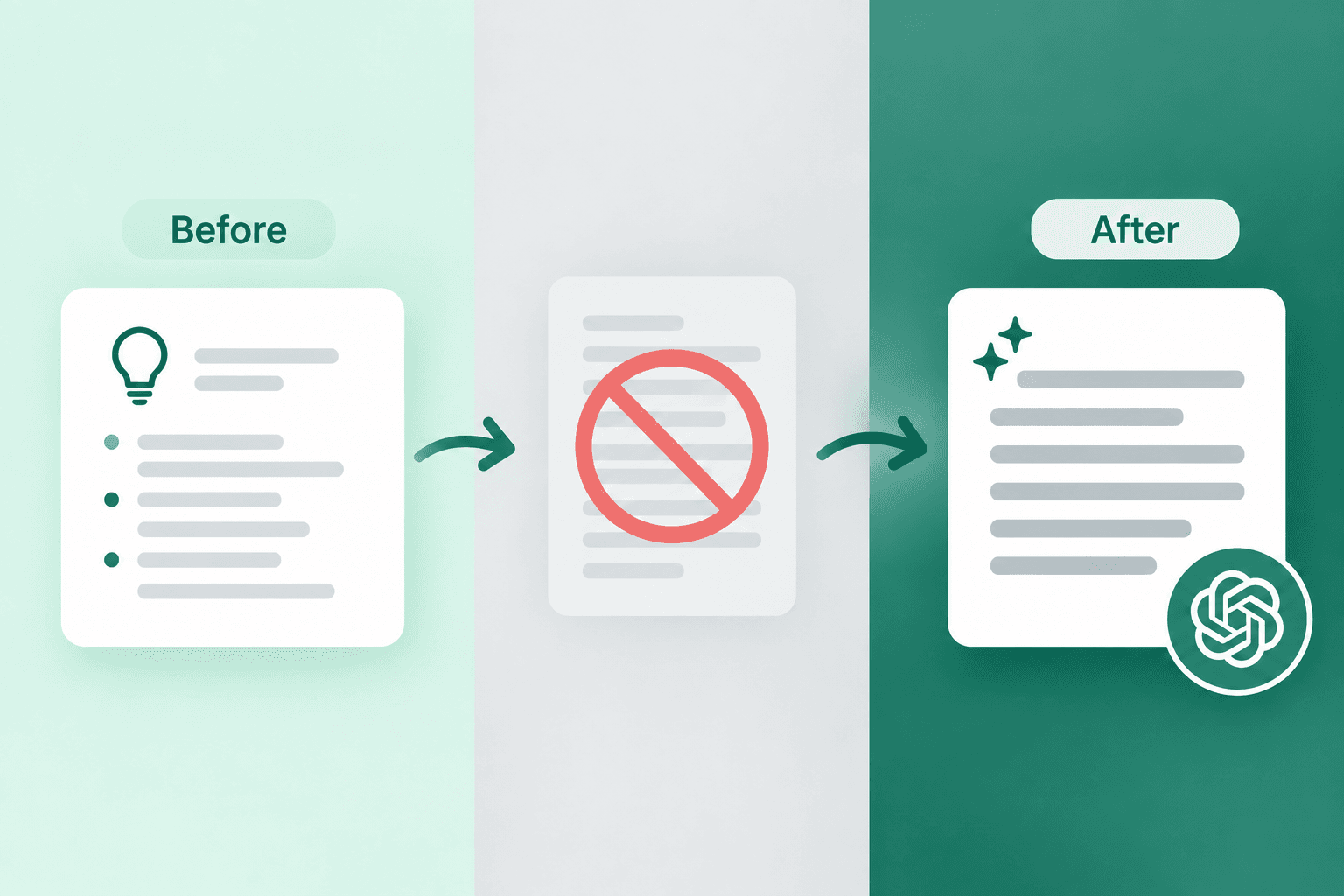
The instinct is to paste a draft and ask for a better version. What comes back is a rewrite: smoother sentences that aren't quite yours. Accept it and you've swapped your draft for a generated one after all, with extra steps.
Ask for critique instead. Where does the argument sag? Which paragraph repeats the one before it? At what point would a skeptical reader stop believing you? Feedback like that leaves every sentence in your hands and still catches what you can't see in your own work, which is exactly what a second reader is for.
OpenAI's guide supports the targeted version of this. It says a few focused revision passes usually work better than asking for a brand-new draft each time, and it suggests asking for a brief rationale alongside any revision so you understand the changes. That rationale is the valuable bit. A change you understand teaches you something; a change you just accept is a patch you'll need again next time.
Two settings do most of the steering. feedback-focus picks the lens, and one per pass is the move. Ask for structure, clarity and grammar all at once and you get a long list where the comma notes crowd out the one structural problem that mattered. Structure first. Grammar last, once the paragraphs have stopped moving around.
feedback-intensity is the other. Developmental keeps it to the two or three biggest improvements, which is where I'd start on any first draft. Rigorous reviews it like it's headed to publication: great on a final pass, brutal on a first one.
Notice the shape of what comes back, too. Quoted passages from your text, a reason for each note, and a before-and-after you're free to reject. That's the shape to want from any editing prompt. It's the same stance behind our resume prompts that work on what you already wrote, for the same reason: the words stay yours.
Fiction is where the defaults show most
If the stop-using-it crowd has a strongest case, it's fiction. A story lives on the choices nobody else would have made. Ask ChatGPT for a scene with no other context and you'll get competent prose built from the choices most people would make, because a bare request gives it no reason to do otherwise.
Try the two-chat test from earlier on a short story opening. The overlap tells you everything.
So don't use it for the prose. Use it for something to push against: a premise you'd never have written, a setup that's almost right, a what-if that's wrong in an interesting way. Bad ideas are useful when you're stuck, as long as you're the one deciding why they're bad.
This one returns three premises built three ways (character-driven, world-first and high-concept) plus a dialogue starter and a possible twist. Change theme before you change genre. A science fiction story about power and corruption and one about love and relationships sit further apart than two love stories in different genres, so theme is the setting that actually moves you somewhere new.
Then close the chat and write the thing. If you want more ways to get unstuck without handing over the page, our look at writing prompt generators covers the idea-sparking side in more depth, and our creative writing prompts have plenty more premises to push against.
That's how to use ChatGPT for writing without giving the writing away: plan with it, keep the draft, bring it back as a reader. All four prompts in this post live on PromptCreek with their settings intact, so you can switch the hook technique or feedback focus without rewriting the prompt itself. They sit with the rest of our ChatGPT prompts, ready to run, and the full text generation category has more for every stage above, from academic writing to copywriting.
Questions people actually ask
Is it okay to use ChatGPT for writing?
Usually, but it depends on who's receiving the writing. A school, publisher, employer or client may have its own policy on AI help with writing, and theirs is the one that counts. Beyond the rules, OpenAI's advice is to treat what ChatGPT gives you as a draft to review rather than a final authority, and to verify any numbers, policies or claims before they go out. Your name is on it either way.
Which AI is better than ChatGPT for writing?
There's no honest single answer, and any ranking that names one is judging something narrower than writing. In my view, the stage you use a model for and the material you give it matter more than which tool you pick. I'd take any decent model reading my draft with a clear feedback focus over a stronger one writing from scratch. Well-built prompts run in several models, so test one in two tools and judge.
Is ChatGPT free for writing?
Yes. ChatGPT has a Free tier, and OpenAI's help center says free users get unlimited everyday text chats, subject to abuse-prevention safeguards, currently on GPT-5.6 Luna. File uploads and several other tools have separate usage limits, and Plus comes with higher ones. Every prompt in this post works in an ordinary text chat, though OpenAI notes the default model and limits can change over time.
Prompts in This Article
Try these prompts mentioned above — click to view full details.
Essay Opening Hook Generator
Craft compelling essay openings that arrest reader attention in the first paragraph using proven hook techniques adapted to your essay type, subject matter, and intended audience.
Voice Fingerprint Extractor from Your Own Writing
Reads samples of your own writing and returns a measurable style profile — sentence shape, openings, punctuation habits, and what you never do — compressed into a block you can paste into any future chat.
Writing Tutor and Feedback Coach
Provides detailed, constructive feedback on writing with specific suggestions for improving structure, clarity, argumentation, style, and grammar, tailored to the writing type and skill level.
Trending Prompts
Comprehensive GTM Strategy Builder
Transform your product launch into a strategic success with this comprehensive go-to-market framework. This prompt generates detailed, actionable GTM strategies covering market analysis, positioning, pricing, distribution, and launch execution plans tailored to your specific product and market conditions.
LinkedIn Engagement Post Generator
Creates compelling LinkedIn posts optimized for audience engagement, profile growth, and professional networking. This prompt generates posts that encourage meaningful interactions through questions, insights, and valuable content while maintaining a professional yet personable tone.
Fashion Editorial Photography Prompt
Creates hyperrealistic editorial fashion photographs with authentic skin texture, premium fabric details, and cinematic lighting. Perfect for high-end fashion shoots and editorial styling.
Ready to level up your prompts?
Browse thousands of free AI prompt templates for ChatGPT, Claude, Midjourney, and more on PromptCreek.